Rank Tracking

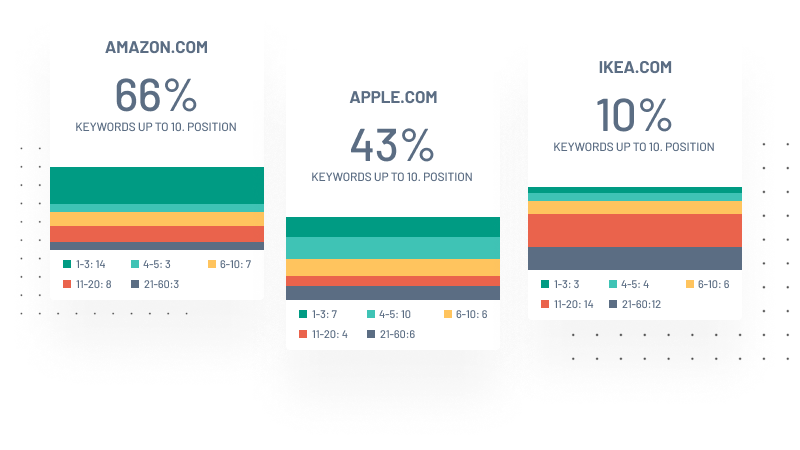
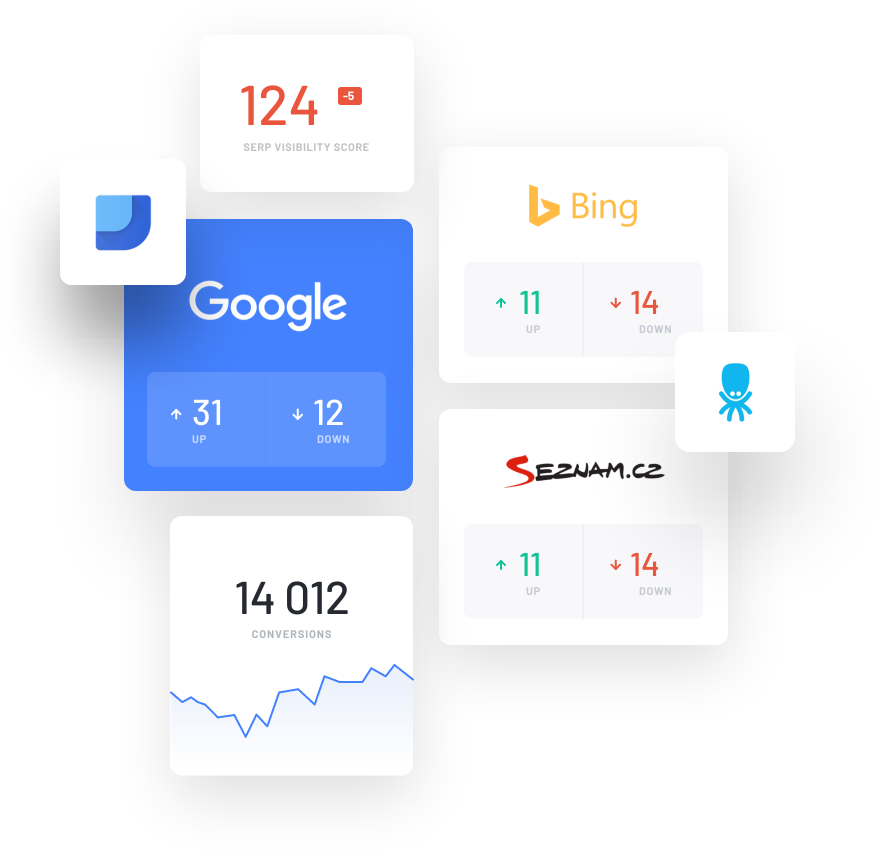
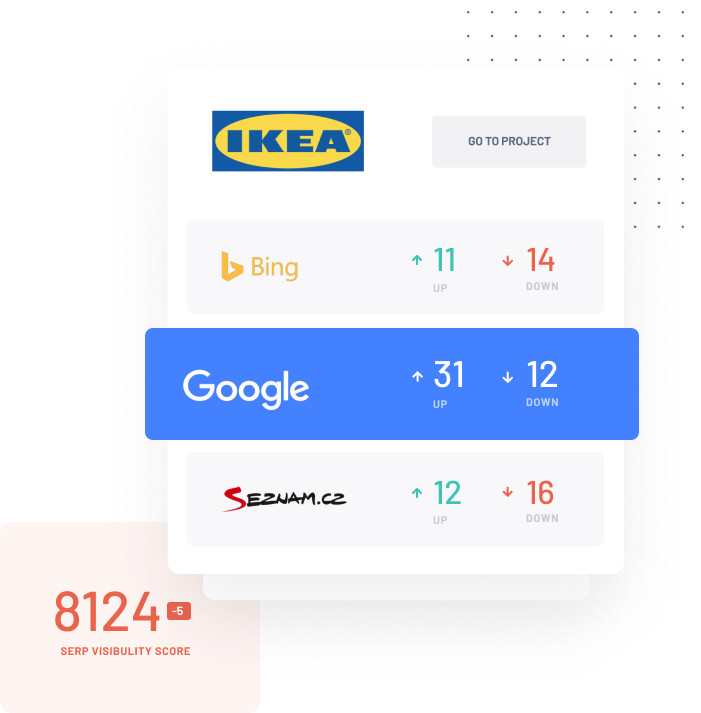
Measure every day how your website and your competitors do in search

You pick the keywords, add up to 5 competitors, and we regularly measure your positions and theirs in Google for those keywords. You will see how positions and traffic develop over time, which keywords are rising and falling, what that does to your traffic and more.

Free, no credit card needed. You can click through the sample project without registering.

How rank tracking works and what you get to see

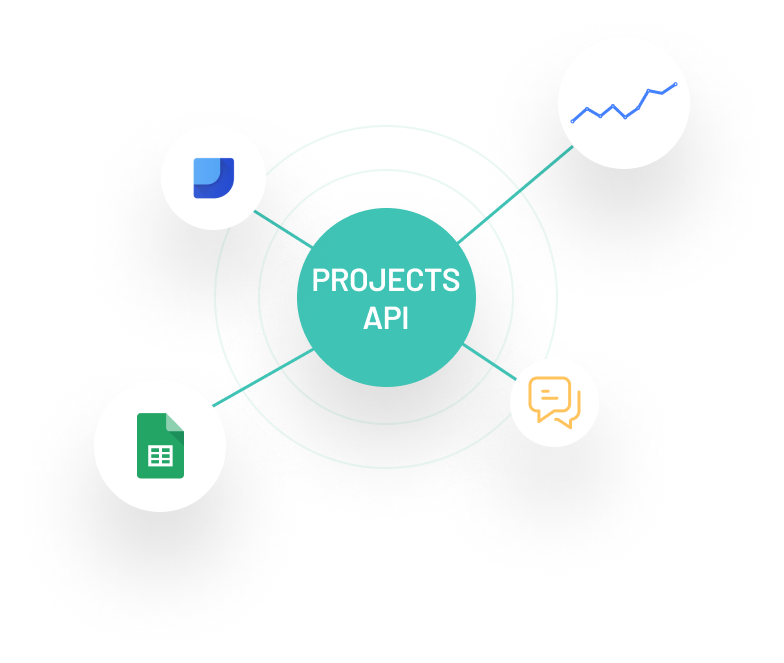
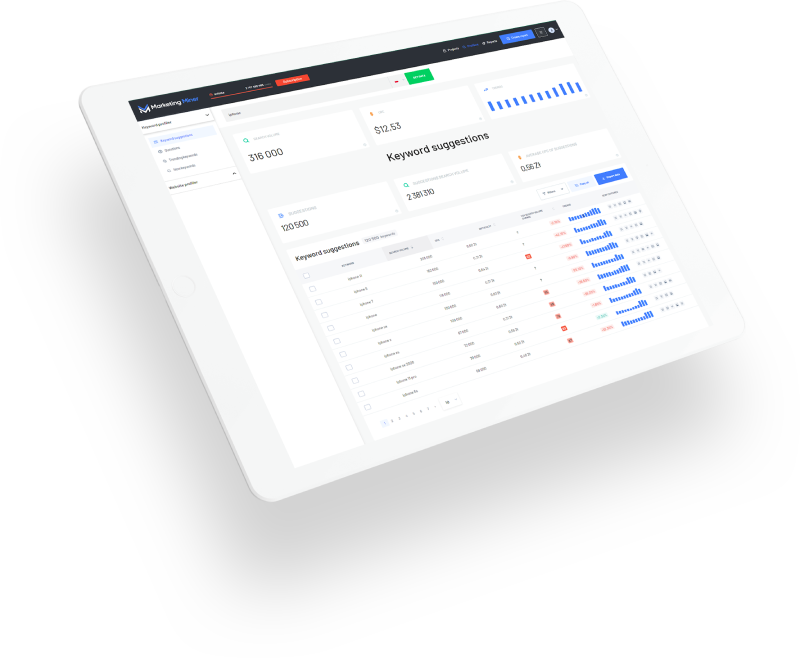
You will find rank tracking in the Projects section. Pick your keywords and competitors and we take care of the rest. We measure positions automatically every day or every week (your choice). We store all the data and present it clearly - in the tool itself, or through Data Studio, the API or an export.

Project: your-site.com · Rank tracking

Position distribution

  • 1.-3.
  • 4.-5.
  • 6.-10.
  • 11.-20.
  • 21+

Estimated monthly traffic

  • your-site.com
  • competitor-1.com
  • competitor-2.com

Positions day by day, including the effect on traffic

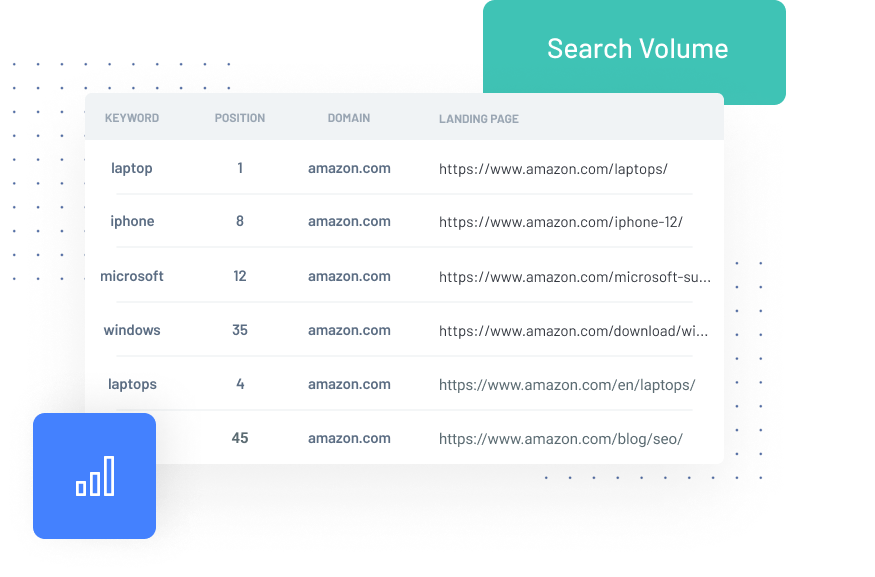
For every keyword you see the current position, estimated traffic, the change since the last measurement and the landing page. Every keyword also has its own detail: how its position developed over time, when the landing page changed and more.

You can add notes to a measurement ("new content published", for example) and work out later what exactly moved your positions.

  • Daily or weekly position measurement in Google

  • A position chart for every keyword and the history of its landing pages

  • Keyword search volume and the elements that appear in search

  • Estimated traffic from every keyword and how it changed

  • Notes right in the chart, keyword tags, a landing page overview

Rank tracking
KeywordPositionSearch volumeTraffic
marketing miner
1.
850680
what is a podcast
8.
+13
1 40055
+55
canonical
5.
+3
40029
+13
linkbuilding
5.
+2
44032
+12
keyword research
5.
-1
55040
-4

Competitors: the history of their positions and traffic

Add up to 5 competitors and at every measurement we record their positions and traffic for the same keywords as yours. We store the whole history and you have access to it - through clear charts, and in detail day by day and keyword by keyword.

You see the overall comparison of traffic and positions both as of the last measurement and over time, plus the detail for every keyword and every day.

  • Current positions, traffic and how they develop

  • A keyword-by-keyword comparison: positions, traffic, landing pages

  • Detail down to a single keyword and day-by-day data

Competitor comparison
CompetitorTrafficAvg. position
your-site.com
you
1 902
+193
7,4
-1
competitor-1.com1 458
+109
10,2
-2
competitor-2.com1 104
+15
13,6
+1

Keyword-by-keyword comparison

your-site.comcompetitor-1.com
KeywordPositionTrafficPositionTraffic
seo tool
5.
+2
30
+11
2.
63
linkbuilding
5.
+2
32
+12
12.
+5
10
+4
search volume
2.
+1
14
+7
3.
+1
10
pagerank
8.
+13
7
+7
10.
5

Keywords that are rising and falling, tags and landing pages

You do not have to go through hundreds of keywords. The ones whose positions are rising or falling are in one place, so you know immediately where your attention pays off.

You can also sort keywords with tags (by category, for example) and follow how whole groups perform. The landing page overview then shows your positions, keyword search volumes and traffic for individual pages.

  • Rising and falling keywords in a single overview

  • Tags for groups of keywords and their combined results

  • How each landing page on your website performs

  • Quick search by keyword, tag or page

Rising / falling keywords
KeywordPositionChangeTrend
what is a podcast
8.
↑ 13
domain availability check
11.
↑ 10
canonical
5.
↑ 3
content analysis
11.
↓ 4
sitemap.xml
21+
↓ 16

Your data goes where you need it

Measured positions do not have to stay in Marketing Miner. You can export any view or dataset in a format suited to AI or Excel. You can also pull the data to you through a Data (Looker) Studio connection or the API.

A project can also be shared - with colleagues or clients, for instance.

  • A CSV export (for AI or Excel) in one click

  • A Data (Looker) Studio connection for reports and dashboards

  • Project sharing with your team and your clients

  • An API for downloading data, included in every plan

Where to send your data
OutputHow
AI / Excelexport
Your own tools and reportsproject API
Data (Looker) Studiodata connection
Team and clientsproject sharing

A one-off check of positions and search results

In the Reports section you upload up to 40,000 keywords and we measure your own or a competitor's positions for them once - in Google, including landing pages.

The tool can also analyse the search results without a website at all. It then shows who ranks at the top, who advertises on the keyword and which other elements appear in search.

  • Up to 40,000 keywords at once, from any country

  • The positions of a given website in Google, including landing pages

  • Search results analysis for your keywords: top positions, advertisers

Reports · one-off check

Search engine positions · your-site.com

KeywordGoogle
running shoes
2.
how to choose running shoes
1.
road running shoes
3.

Search results analysis · "running shoes"

Google resultsPosition
site1.com · /shoes/running
1.
site2.com · /running-shoes
2.
site3.com · /category/shoes
3.

We also watch the on-site changes that move positions

A drop in positions often has a mundane cause: someone overwrote a title by mistake, a page started returning an error, or the robots.txt file changed. Turn on automatic alerts in your project and we check the important pages every day.

You can watch competitor pages too - title changes on their most important pages, for example.

  • Checks on titles, main headings and structured data

  • Checks on status codes (whether pages work, 404 errors for example)

  • Checks on the robots.txt file and other search engine settings

  • We e-mail you on every change

Alerts
What we watchState
Page title
On
Main heading (H1)
On
Page status codes
On
The robots.txt file
On

Set it up once, we keep measuring

Creating a project takes a few minutes and the tool helps you pick the keywords and the competitors. From then on the measurement runs automatically and the history stores itself.

  1. Create a project

    Enter your website and the country you want to measure positions in. Measurement runs in Google.

  2. Pick your keywords

    Add your own keywords, or choose from suggestions based on what you already rank for. Keywords can also be imported from Excel, tags included.

  3. Add your competitors

    We suggest up to 5 competitors straight away, based on keyword overlap. From day one we measure and store the history for you and for them.

Why choose Marketing Miner

500M keywords
Our keyword database
1,000+ paying clients
From the biggest brands to sole traders
10+ years on the market
Stable and profitable since 2015
Alza.cz
Heureka
GymBeam
Seznam
Pavel Ungr
Decathlon

Start working on better visibility in AI and search engines today!


Get started with Marketing Miner
keyword